
Agent Settings
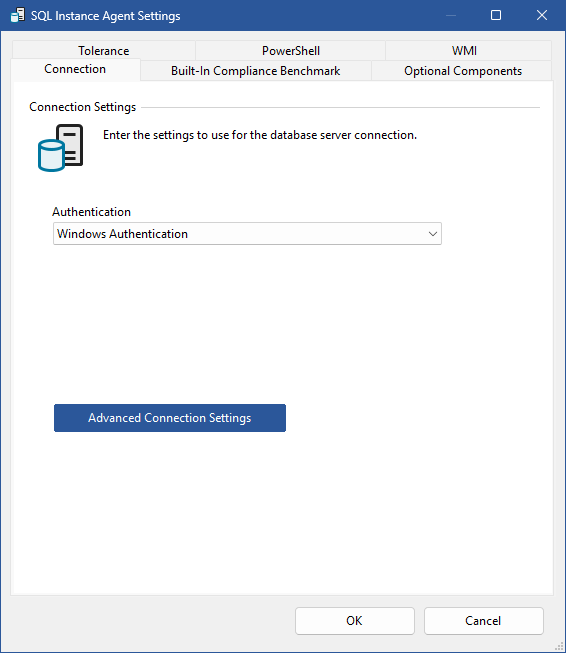
Authentication
Determines the type of authentication to use.
- Microsoft Entra Integrated
Uses the signed‑in Windows user's Entra token. No credentials are required.
This is only supported on XIA Configuration Express. - Microsoft Entra Interactive (MFA)
Prompts the user to sign in using a interactive browser window. Supports MFA and Conditional Access.
This is only supported on XIA Configuration Express. - Microsoft Entra Password (Deprecated)
Uses an Entra username and password. This has been deprecated by Microsoft and is provided for backwards compatibility only. - Microsoft Entra Service Principal
Uses an application (client ID) and client secret for non‑interactive authentication. - SQL Server Authentication
Uses a SQL login and password. - Windows Authentication
Uses the credentials of the currently logged in user for XIA Configuration Express or the service account or custom credentials for XIA Configuration Client.
Username
The username to use for Microsoft Entra Password or SQL Server Authentication.
Password
The password to use for Microsoft Entra Password or SQL Server Authentication.
Application (Client ID)
The application (client ID) to use for Microsoft Entra Service Principal authentication.
Client Secret
The client secret to use for Microsoft Entra Service Principal authentication.
Advanced Connection Settings
Displays the advanced connection settings dialog.