
Granting Access
To grant a user access to the system, either make the user a system administrator, or perform the following
- Access the system with a web browser as a system administrator.
- Right click the root container.
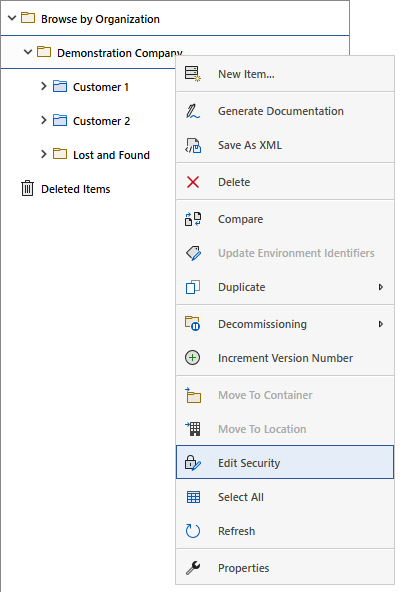
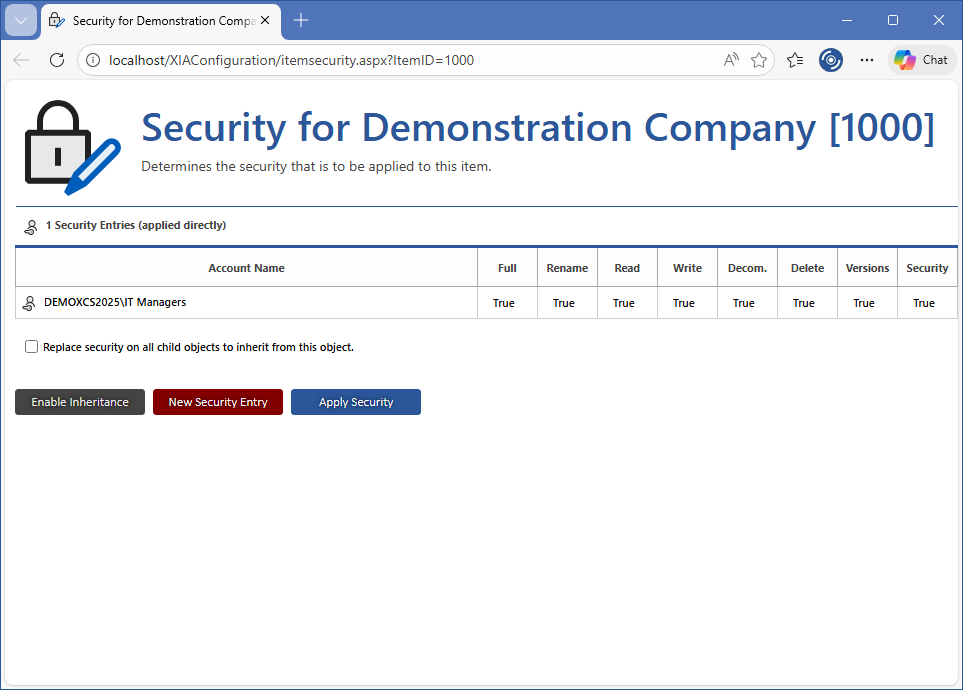
- Select the edit security menu option to display the security descriptor for the root container.
- Click the new security entry button.
- Enter the account name of the user or group you wish to have access to the system and select the appropriate permissions. To access the system, the user must have at least read access to the root container.
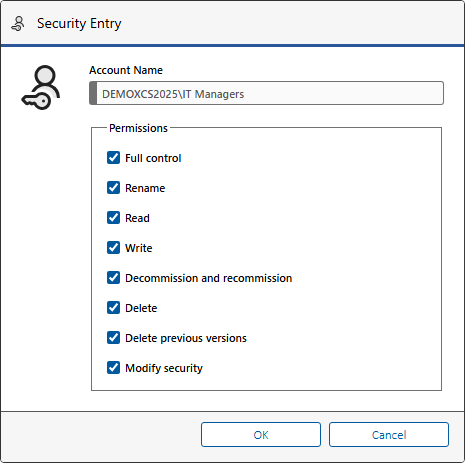
- Click the OK button.
- Click the apply security button.